
Google Scholar
Capterra Ratings: 4.4
Introduction
Access to scholarly literature has been more simplified in the digital age, thanks to services such as Google Scholar. Whether you’re a student, researcher, or simply a curious mind, knowing how to use Google Scholar successfully can greatly improve your research efforts.
This guide goes into the nuances of Google Scholar, including sophisticated search capabilities, citation analytics, and more.
What is Google Scholar?
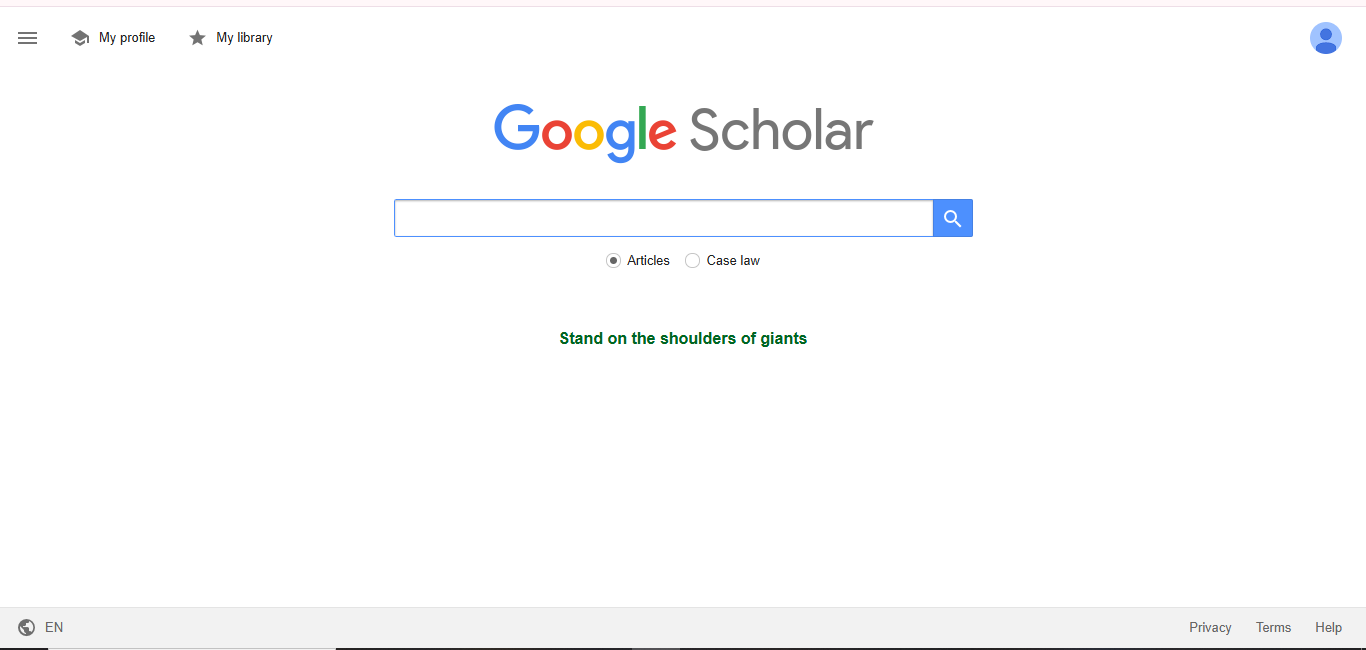
Google Scholar is a free web search engine that indexes the full text of scholarly literature from a variety of formats and fields. It allows you to easily search for scholarly material, such as articles, theses, books, abstracts, and court judgments, from academic publishers, professional associations, online repositories, universities, and other websites.
Key Features of Google Scholar
- Broad search capabilities, allowing users to search across multiple fields and sources from one platform.
- Determine how frequently a work has been mentioned, which provides insight into its effect and importance.
- Discover documents that are comparable to the given search result, broadening your study horizons.
- View public author profiles, which include publications and citation metrics.
Google Scholar Advanced Search Techniques
Google Scholar’s Advanced Search function allows users to tailor their searches based on specified criteria.
- Accessing Advanced Search:
- Click the menu symbol (three horizontal lines) in the upper left corner.
- Choose “Advanced Search” from the dropdown menu.
- Search fields:
- Find articles that include all of the requested words.
- Find articles that include the exact phrase.
- Retrieve articles that include any of the supplied words.
- Remove articles that include specific words.
- Determine if the words should be in the title, anyplace in the article, or throughout the entire body.
- Find articles by a given author.
- Find articles published in a specific journal or conference.
- Limit the results to a certain time window.
Combining these fields allows you to narrow your search to the most relevant scholarly materials.
Understanding Google Scholar Citations
Google Scholar offers citation metrics to estimate the effect of scholarly works:
- The number of times a work has been cited in other articles reflects its academic influence.
- The h-index measures both.The output and effect of a scholar’s publications.
- The i10-index counts the number of publications with at least ten citations.
These indicators are available via author biographies and can be useful in determining the significance of research.
Tips for Effective Use
- For more accurate results, target individual keywords rather than entire texts.
- Use quotation marks to identify articles that contain certain phrases.
- Use the advanced search filters to narrow down your results by date, author, or publication.
- Create alerts for specific search queries to be notified of new relevant articles.
Conclusion
Google Scholar is a useful tool for obtaining scholarly material across multiple areas. Understanding its features, advanced search capabilities, and citation metrics can help users improve the efficiency and depth of their study. While it has many benefits,
it’s important to be conscious of its limitations and supplement it with other resources as needed.
Try these as well
Google Gemini
Google Gemini is a powerful AI model created by Google
Copyscape
Copyscape AI is an internet tool that examines the web for instances of content duplication
Wolfram Alpha
Wolfram Alpha is a computational engine
Explore more
Pros
- Allows free access to a large body of scholarly material.
- Provides an intuitive and simple-to-use platform.
- Indexes a variety of fields and sources.
Cons
- Not all indexed articles are available in full text; some may require a subscription or payment.
- Contains materials from a variety of sources, which may differ in quality and credibility.